Creating the world's best Adobe Connect recording downloader for fun
Today I had my last lectures for each of my two module this semester. I’ve had eight from each so far for the past two months, so some of the info went in, but some of it didn’t!
My university allows us to view the recordings for each of our lectures and watch them back. However… for whatever reason, instead of being sane and using a standard classroom platform like Google Classroom or Blackboard or what have you - my university still uses Adobe Connect to host their lectures.
And, rather annoyingly, Adobe Connect’s lecture recording viewer is not the nicest.
The default
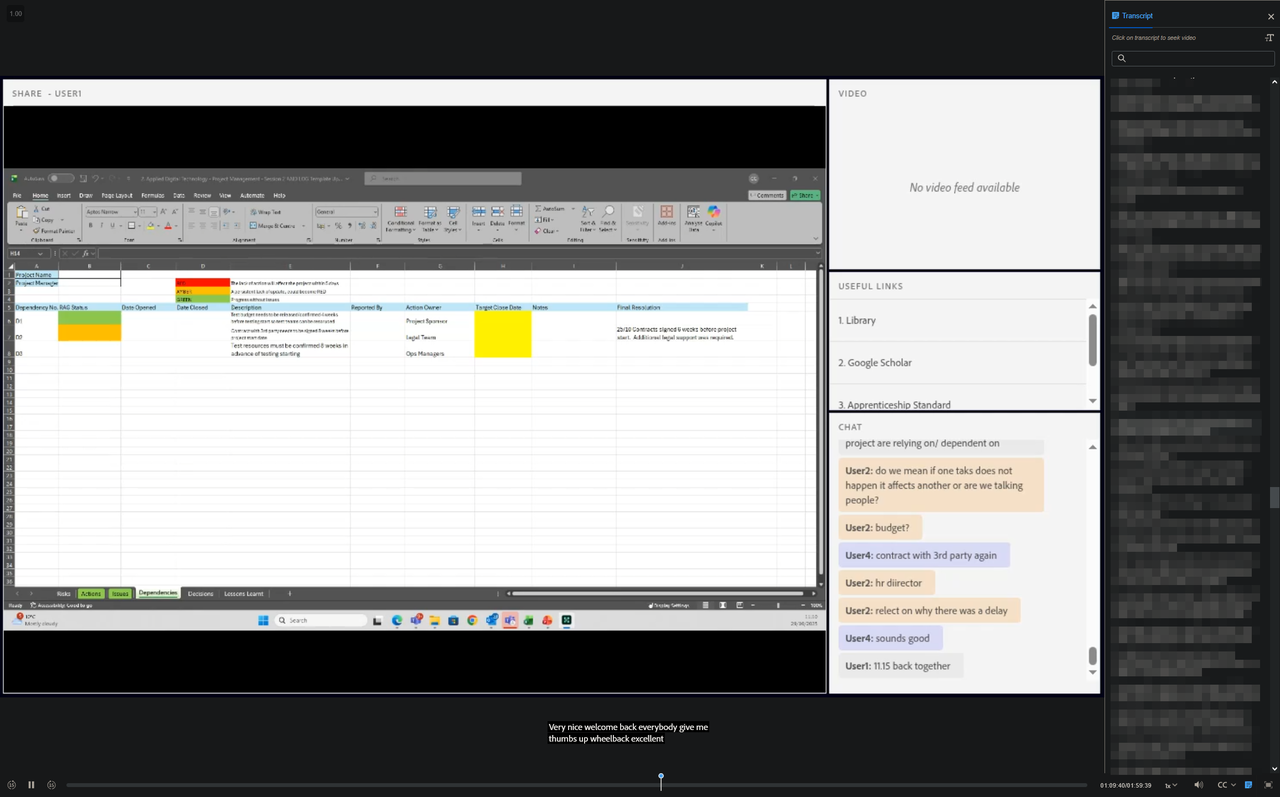
The React app in question..
It’s a bloated React app with a custom HTML5 player - which isn’t the worst in the grand scheme of things, but I missed the ability to download them to actually have them on my machine - e.g. to catch up on when I’m in a region with little to no internet connectivity (like on a long-haul flight for example).
Somewhat mercifully, Adobe’s recording player does let you turn on closed captions which were recorded with the lecture, and even lets you view the transcript and jump to different points in the video via this method.
Having a closer look
I poked around the Network tab with Inspect Element to see how this video player worked.
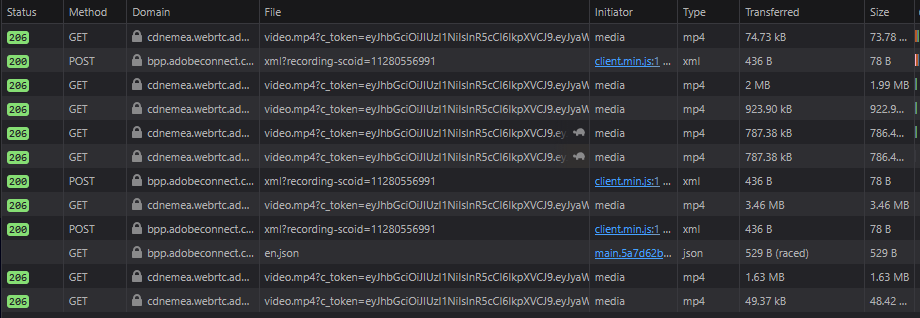
Hooray! MP4 and.. XML files?
And sure enough, it seemed that all this React app did was fetch some URL pointing to an MP4, and just slowly buffer through this. Adobe didn’t even implement any funny Widevine or DRM chunking strategies that other companies like Netflix/Vimeo do - you can just simply download the entire MP4 recording and save it to disk!
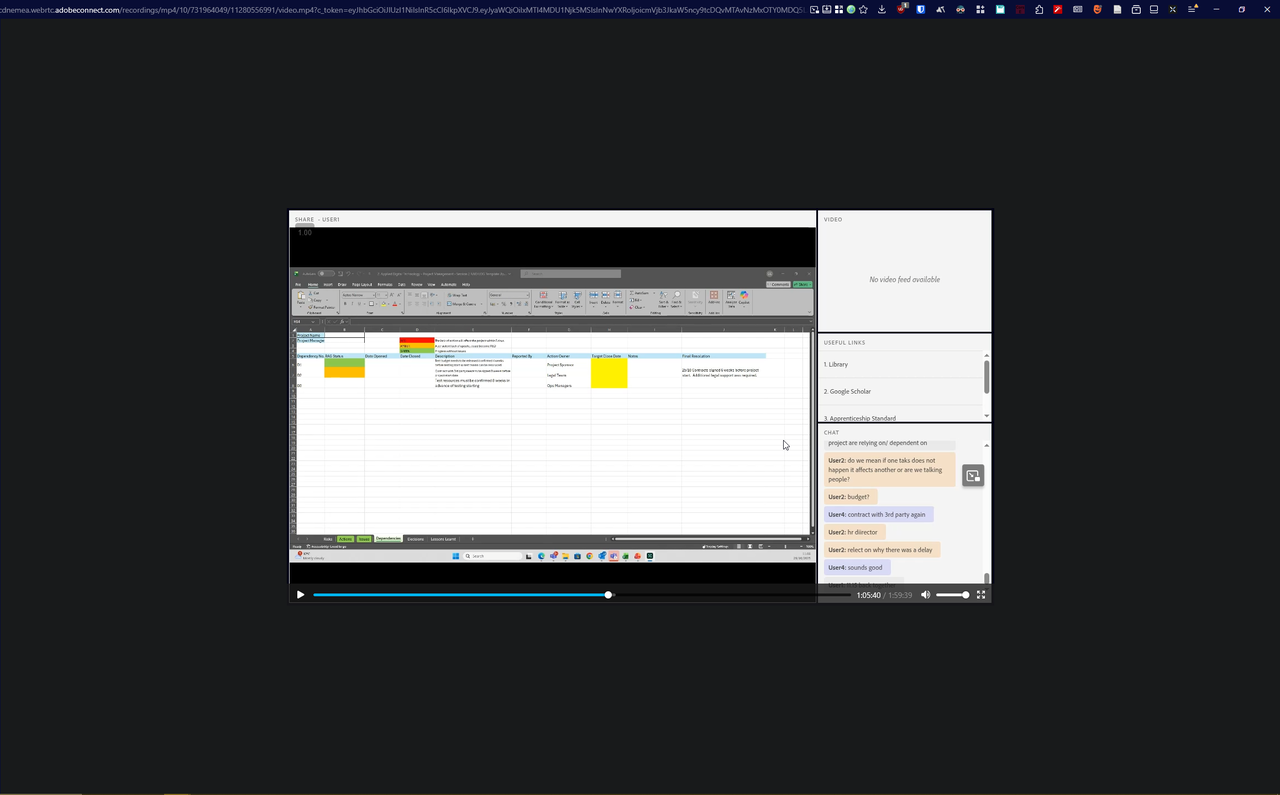
However.. even though I’d found a manual workaround to solve my problem, I wondered if it would be possible to actually download the closed captions associated with the recording, and to make some sort of command line utility to bundle the two together.
Has anyone else made a tool like this before??
Of course, before embarking on coding a whole command line utility for myself, I wondered if anyone else had created such a utility. I spam searched the depths of page 2 and 3 on Google, queried Perplexity.. and I came across a few projects, like https://github.com/HosseinShams00/AdobeConnectDownloader, https://github.com/soroushamdg/acd, https://github.com/MRT-77/AdobeConnectRecord, https://github.com/Franck-Dernoncourt/adobe-connect-video-downloader, https://github.com/sina-rostami/Adobe-Connect-Meetings-Downloader. But all of them are 4 years old, and all of them had a really complex GUI or went about downloading the file a strange way.
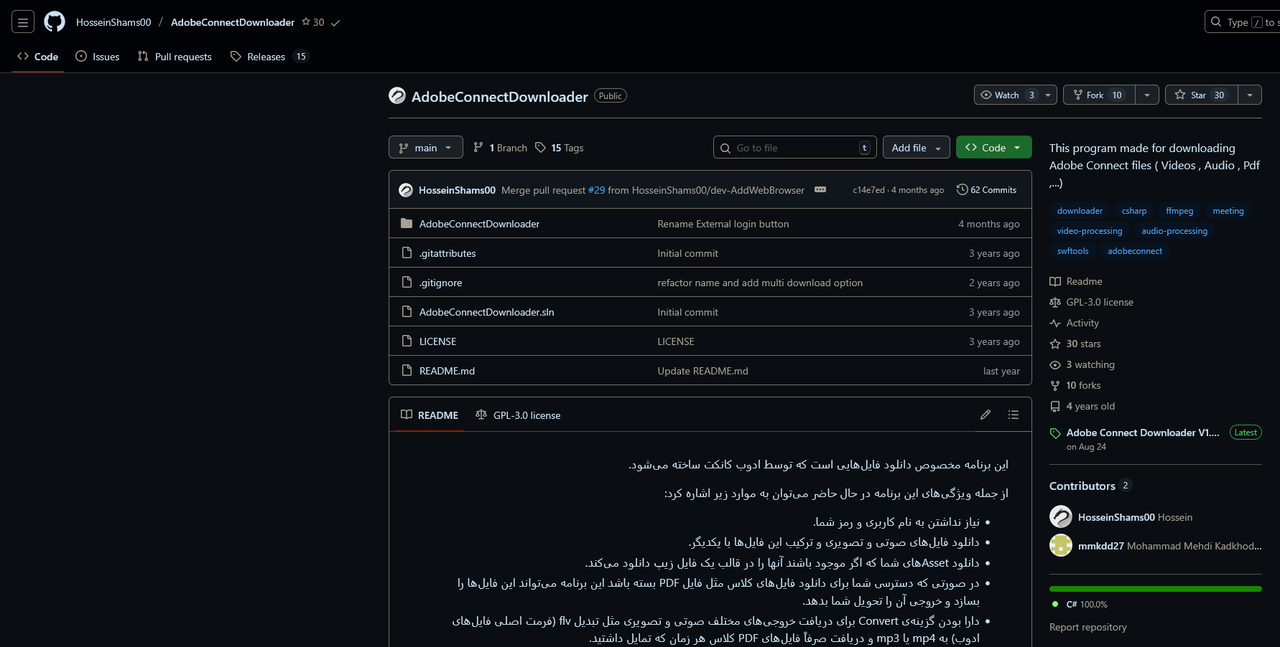
This project seems promising..
I came across one very insightful answer on Superuser though - apparently, Adobe Connect is even more ghastly than I thought… when someone is hosting & recording a lecture, Adobe Connect silently records.. Flash videos in the background for each of the components in the UI??? I thought Flash died 5 years ago 😭
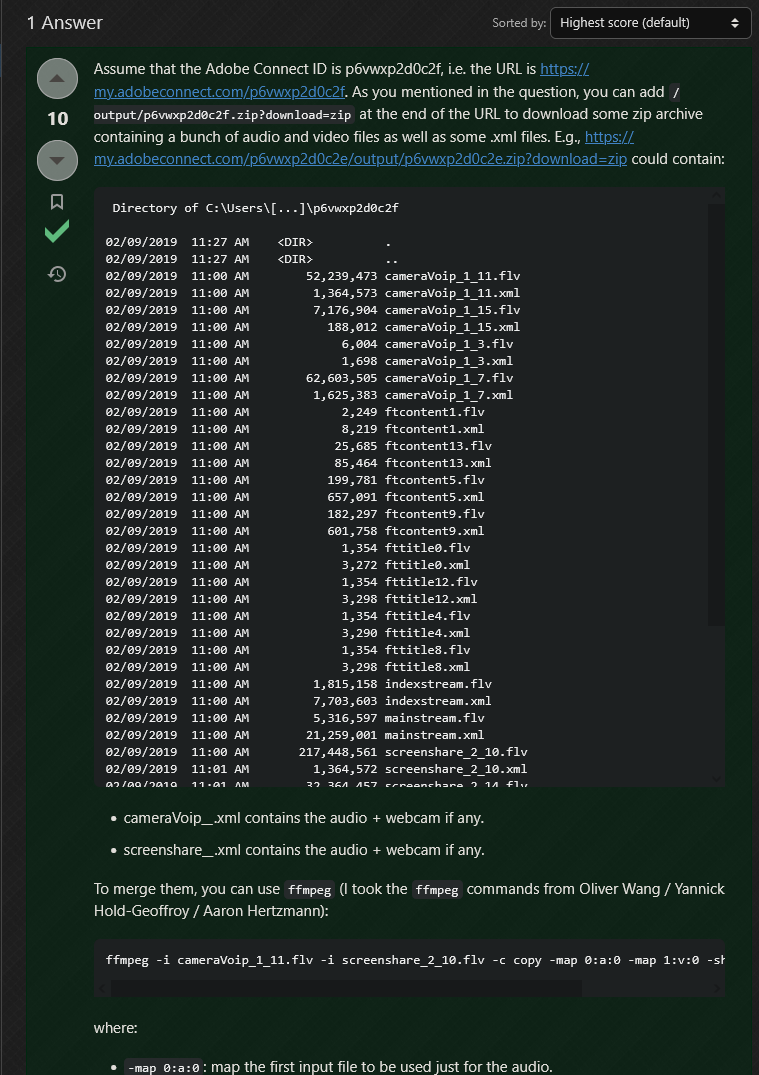
On one hand, Franck Dernoncourt’s answer did confuse me, as according to him, the only way to synthesise a lecture recording was to use ffmpeg to merge the individual Flash video files.
Of course, as I discovered, and as of 3 years ago, this no longer seems to be the case.
On the other hand, something else caught my eye. I noticed that contained within the zip directory listing he posted, there were files such as “transcriptstream.xml”. And that led me to remember that in the devtools console on the Adobe Connect recording viewer page, I noticed lines related to downloading a VTT file..

After double checking the recording, I realised that the mp4 by default had no captions embedded into it. That got me thinking - surely it wouldn’t be that hard to embed the VTT into the mp4 with a tool like ffmpeg?
Cue the vibe coding spree.
Producing the tool
It had been a while since I had worked on a proper Golang project. Since I wanted to make this tool more out of practicality than approaching it from an angle of complete curiosity, I initially bootstrapped the app by using OpenAI Codex and instructing it to use the github.com/spf13/cobra library to build out a CLI (a library that I had personally used in the past & that is used by many Go CLI applications).
I’d also saved a bunch of the network requests that I’d intercepted in Firefox Dev Tools from the network tab pertaining to the MP4 recording/VTT caption URLs and other relevant useful data into a HAR file and passed it as context to Codex 5.1 initially (the best model available at the time).
I had $250 of credit from OpenAI Dev Day in London that I wanted to use up anyway so this was the perfect excuse to do so. However, after trying to one/two-shot it, I wasn’t satisfied with how much finetuning and correction I had to do when prompting Codex.
I then figured I might as well switch to Claude Opus 4.5 which I have access to through my GitHub Copilot Pro pack included in the GitHub Student Developers Pack (if you don’t have the pack already, sign up here and if you already have it but don’t have the pro version of Copilot, you have to sign up for it through this sneaky hidden link here.)
After I switched to using Claude Opus 4.5, my mind was blown. I was able to produce the first working prototype of the app after about 8 hours of vibing with Opus 4.5 and steadily but happily adjusting its’ course as it vibed along.
What went well and what didn’t
One thing I’ve noticed is that AI is very good at generating and writing code, but often leaves behind a trail of mess and redundant code that you have to selectively clean up yourself. However, despite this, what would have taken me a week or two to do by myself only took total 3-4 days.
After my first implementation which used FFMPEG (and subsequently me bundling it ballooned the binary size to 134MB), a friend of mine suggested to bundle MP4Box, which is a much slimmer alternative to ffmpeg, and supports embedding vtt subtitle files into mp4 files (which was genuinely the only functionaity I needed from ffmpeg). That alone reduced the binary size to 16MB!
I did consider just using the system’s bundled version of ffmpeg, but honestly, I wanted the app to work in a self-contained way without any dependencies; and frankly, I’m happy with how small the binary is now.
Switching from bundling ffmpeg to MP4Box reduced the binary size from 134MB down to just 16MB - an 88% reduction!
Go and grab my Adobe Connect lecture downloader for yourself here: https://github.com/keanucz/AdobeConnectDL/releases